How to play Brookhaven
How to claim a house, spawn a car and take a job in your first ten minutes of Brookhaven.
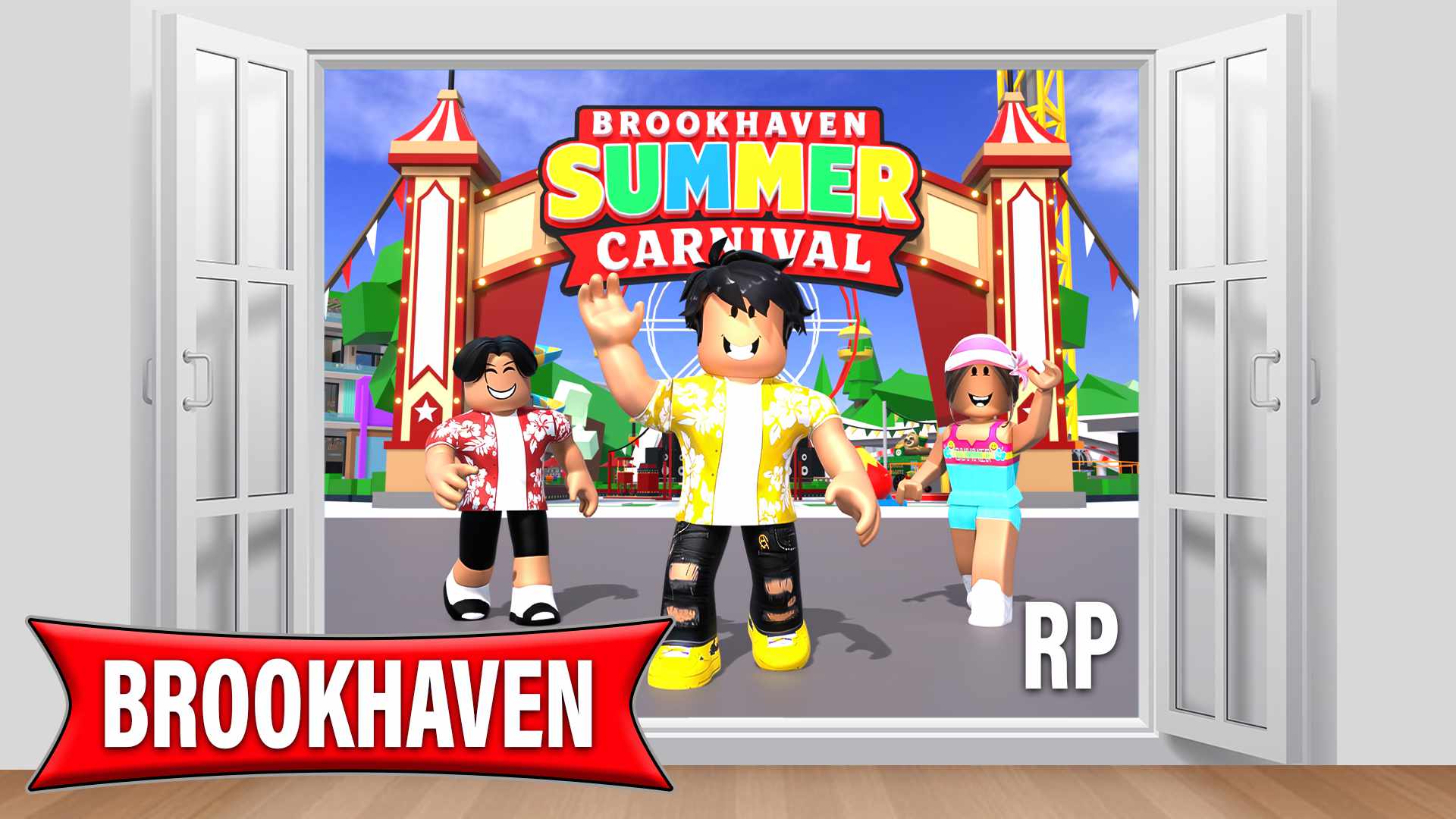
Brookhaven is free on Roblox, and it starts the moment you load in. You spawn in the middle of town, and in your first ten minutes you'll want to claim a vacant plot from the houses menu, spawn a car from the vehicles menu, and pick a job.
The town has a school, a hospital, a plaza, a power plant and its own news program. Here's how to find your way around it.
What do I need to play Brookhaven?
A free Roblox account. Brookhaven runs on Windows, Mac, iOS, Android, Xbox and PlayStation, and it's the same town on all of them.
Parents? Learn more about Brookhaven and everything you should know in our parents guide.
How do I get a house?
You claim one. Open the houses menu from the sidebar on the right, find a plot marked Vacant, go to it, and claim it. Every plot has a sign out front showing who lives there.
You hold one property at a time, and swapping puts you on a cooldown. If you decorate it, save it from the house menu before you leave, because it won't save on its own. There's more in the houses guide.
How do I get a car?
Open the vehicles menu and pick one. It appears at the curb next to you, free, straight away. There's a lot in there and most of it costs nothing. Boats, aircraft and a handful of specials come with game passes.
Boats spawn at the water, aircraft spawn from helipads, and horses spawn on streets. Everything else turns up wherever you're standing. More in the vehicles guide.
How do I get a job?
Two ways. Pick one from the jobs menu, or walk into the building and use the Take Job button inside. Your job icon then floats above your head so everyone can see what you are. See the jobs guide.
What are the controls?
On PC: WASD or the arrow keys to move and to drive. Space to jump. Press jump to get out of a car. E to get off a bike, scooter or horse. In a helicopter, E climbs and Q descends. Esc opens the Roblox menu and Tab shows the player list.
On mobile: a joystick to move and drive, an on-screen button to jump and to get out of a car, and an on-screen X to get off a bike or horse. There's a sprint toggle in the mobile settings.
On console: the standard Roblox controller layout. Left stick to move and drive, the jump button to get out of a car, and the Menu or Start button for the Roblox menu.
What are all the icons on the right?
The sidebar is where nearly everything lives. There's no keyboard shortcut for it, so click or tap.
- Avatar Editor. Change how you look without leaving the game.
- Inventory. Tools and props you're carrying.
- Animations. The emote list.
- Vehicles. The full vehicle catalog.
- Houses. Find a vacant plot, or manage the one you have.
- Character Bio. Your name, age and details for roleplay.
- Jobs. Every job in town.
- Map Themes. Changes how the whole map looks. Needs the Theme Pack, and only works in a private server.
- NPC Companions. Characters who follow you around.
- Store. Where game passes are bought.
Separate buttons handle house cams, time, settings, family and quick chat.
What if I can't find a vacant house?
On a busy server they go quickly. You can hop to another server, or claim a motel room or an apartment instead. There are more of those and they turn over faster.
How do I play with friends?
Open your friend's Roblox profile and choose Join Experience, as long as they've allowed people to join.
If you want a whole server to yourselves, that's what private servers are for. They're a monthly purchase through Roblox and they're covered in game passes. If you're already in the same server, the Party feature lets you set up a gathering at your house with guests who can teleport straight to you.
Brookhaven works alone, but most of what's good about it happens with other people in the server.
RELATED GUIDES
More answers from the team that makes the game.