
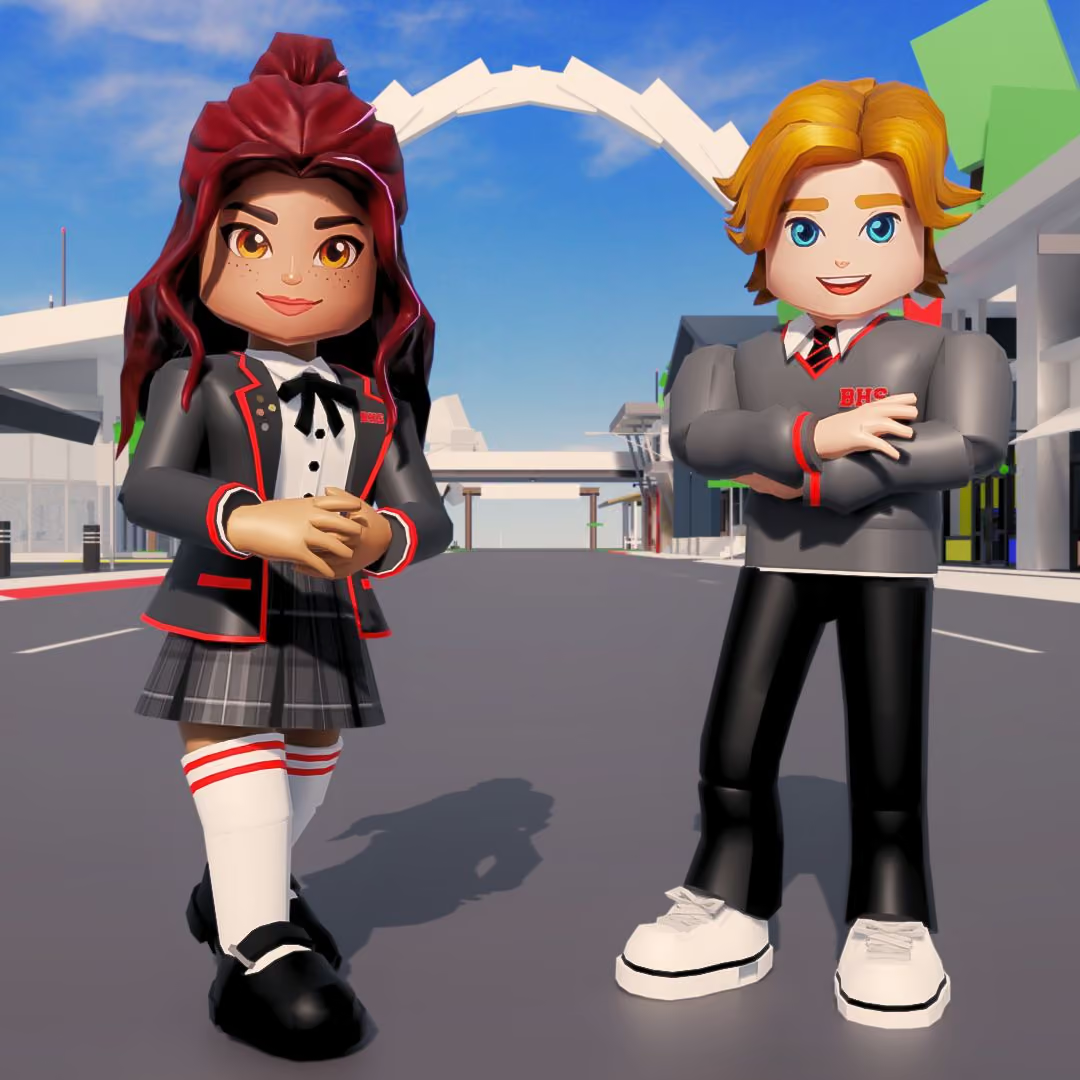
IS BROOKHAVEN SAFE?
If your child loves Brookhaven, you probably have questions. This guide answers them: what the ratings mean, how chat and moderation work, and the settings worth a few minutes of your time.
WHAT IS BROOKHAVEN?
Brookhaven is a roleplay town on Roblox. Players drop into a friendly neighbourhood, pick a job or a house, and play out their own stories with friends. It is consistently one of the biggest games on Roblox, with over 80 billion play sessions to date.
AGE RANGE
Rated Minimal by Roblox, the gentlest label on the platform. With parental controls set, plenty of younger kids play comfortably too.
COST
Free on every device that runs Roblox. Extras like Premium are optional, only ever bought inside Roblox, and you can cap monthly spending from your parent account.
GAME TYPE
Roleplay and social. Players can choose jobs, games, homes, pets, vehicles, props and tools to create their own world and play however they imagine!
ROBLOX AGE RATINGS: EXPLAINED
Every Roblox game carries a content label. Brookhaven sits in the gentlest one.
Minimal — Brookhaven's rating
The gentlest tier on Roblox. No intense violence, no fear, no mature themes.
All ages
Mild
Some repeated mild violence, light fear, or crude humor.
9+
Moderate
Stronger violence or scary moments. Made with teens in mind.
13+
Restricted
Mature content. Only adults with age-verified accounts can access these.
18+
HOW SAFETY WORKS IN BROOKHAVEN
Roblox is the platform that runs accounts, chat, and ratings. We make Brookhaven, and we add our own moderation on top. These are the protections that matter most.
NO VOICE CHAT, NO CAMERAS
There's no voice chat and no camera in Brookhaven. Every conversation is typed, filtered, and grouped by age. You may have seen videos of players talking in Brookhaven — those players were using apps like Discord on the side, outside the game. There's no horror or adult content either, and keeping Roblox's gentlest rating is a rule we design by.
PARENTAL CONTROLS
Link your own Roblox account to your child's and manage everything from your phone: content limits, allowed games, spending caps with alerts, screen time, and their friends list.
AGE CHECKS FOR EVERY CHATTER
Since January 2026, Roblox requires an age check before anyone can chat: a quick facial age estimate (deleted right after processing), an ID check, or a parent's confirmation. Chat is grouped by age band, and Roblox restricts contact between adults and kids who aren't connected in real life.
FILTERS THAT PROTECT DETAILS
Chat is filtered heavily for players under 13, and Roblox's filters are built to catch personal details like phone numbers and addresses at every age. No filter is perfect, which is why the report and block tools exist too.
REPORT AND BLOCK IN TWO TAPS
Any player can report or block anyone from the in-game menu. Blocks work instantly, reports go straight to moderators, and parents can do both from their own dashboard.
IS THERE INAPPROPRIATE CONTENT IN BROOKHAVEN?
BUILT FOR KID-FRIENDLY ROLEPLAY
Brookhaven's world is homes, jobs, pets, and everyday life, and its Minimal rating sets firm limits on what can happen there. Brookhaven is multiplayer, so the tools matter too: if another player ever takes pretend play somewhere you wouldn't want, mute, block, and report take seconds.
IF SOMEONE'S RUDE
Kids can mute, block, and report another player in seconds, and it's worth practicing those moves together once. Blocked players disappear instantly, no questions asked.
SCAMS OUTSIDE THE GAME
Anyone promising free Robux, free Premium, or secret codes is running a scam. Brookhaven has no promo codes. Teach one rule: never type your Roblox password anywhere except Roblox.
HELPFUL GUIDES
More answers from the team that makes the game.
HOW TO SET UP BROOKHAVEN FOR YOUR CHILD
These are Roblox account settings, so they cover everything your child plays, including Brookhaven, on any device. Create your own Roblox account, verify it, and link it to your child's from the Roblox app on your phone, under Settings, then Parental Controls. Use their real birth date: it's what the protections key off, and even before you change anything, under-9 accounts start with chat off and under-13 accounts get the strictest filters automatically.
Content and spending. Set the highest content rating your child can access, then add a monthly Robux spending cap with alerts. Every Brookhaven purchase goes through Roblox, so the cap covers all of it. Roblox gift cards add Robux outside the cap, so treat them like cash.
Chat rules. Decide together whether chat is on, friends only, or off. For kids under 9 it stays off unless you turn it on.
Screen time and friends. Set daily play limits that apply automatically, and glance at their friends list now and then, the same way you'd know their friends from school.
Step-by-step instructions, straight from Roblox:
Parental Controls Overview →Understanding Age Checks →Monthly Spending Limits →WHAT KIDS LOVE ABOUT BROOKHAVEN
Underneath all the settings talk, Brookhaven is pretend play, the kind kids have always done. They tell stories, host sleepovers, adopt pets, and run pizza shops with their friends. There's no score, no losing, and no pressure to spend to have fun.
STORIES OF THEIR OWN
Kids direct their own little worlds, choosing a home, a job, and who they want to be today. It's imaginative play that builds storytelling and social skills.
PLAY THAT INCLUDES EVERYONE
There's no skill wall and nothing to unlock before the fun starts. New players and younger siblings can join in from the first minute.

FAQs
The questions we get most from parents. If yours is not here, the Knowledge Base has more, or you can email us directly.
Is Brookhaven safe for a 7-year-old?
Brookhaven carries Roblox's gentlest content rating, and with parental controls set — chat rules, spending caps, screen time — many families are comfortable with it at 7. The setup steps on this page take about ten minutes, and playing together the first few times tells you the most.
Can strangers talk to my child in Brookhaven?
Only through filtered text chat, only within similar age groups, and only if chat is on for their account. You can turn chat off entirely, or limit it to friends, from your parent account.
How do I turn off chat in Brookhaven?
From your linked parent account, open Parental Controls, then Communication. Chat for under-9 accounts is already off unless you choose to enable it.
Is there scary or violent content?
No. Brookhaven's Minimal rating means the gentlest content tier on Roblox: mild cartoon moments at most, and nothing designed to frighten. Keeping that rating is a design rule for the game.
Can I limit what my child spends?
Yes. Set a monthly Robux cap with alerts from your parent account, and it automatically covers everything in Brookhaven, since every purchase goes through Roblox. The game is fully playable without spending a thing.
Does Brookhaven have voice chat?
No. All conversations happen in typed, filtered chat. Clips that seem to show voice chat were recorded with apps like Discord, outside the game.
What warning signs should I watch for?
The same ones that apply anywhere online: gifts of Robux from someone they only know in a game, requests to move the chat to another app, or being asked to keep a secret. If something like that happens, don't just block: screenshot the conversation, report the account to Roblox, and contact your local child-safety hotline (in the US, the NCMEC CyberTipline). And make sure your child knows they'll never be in trouble for telling you.
Is Brookhaven okay for a 6-year-old?
The game itself stays gentle at every age, so it's mostly a question of when your child is ready to play online. For the youngest players we suggest chat off and a parent nearby, and the controls on this page let you decide what's right for your family.
How much play time is healthy?
That's your call, and Roblox gives you the tool to stick to it. Set a daily limit from your parent account and it applies automatically on every device. Brookhaven doesn't use daily rewards or streaks, so there's nothing pulling kids back when it's time to stop.
Still have questions?
Email us or check the Knowledge Base for more answers.