Your avatar, emotes and companions
The avatar editor most people never fully open, the emote tricks nobody finds, the companions who follow you around town, and where pets fit in.
Brookhaven has a full avatar editor built into the game. It's the head-with-a-pencil icon in the right-hand sidebar. You don't have to go to the Roblox site to change how you look, nearly all of it is free, and most people use it without ever seeing half of what's in there.
This page covers that, the emotes, and the companions who walk around town with you.
Does Brookhaven have pets?
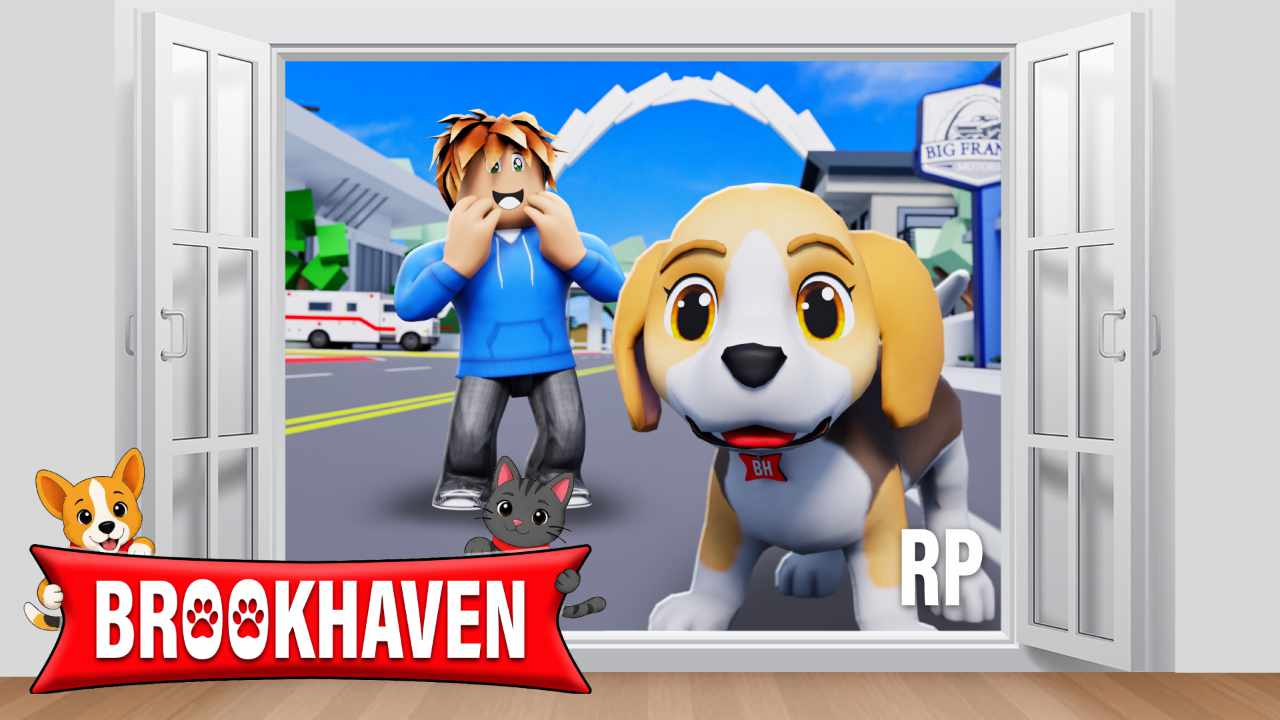
Yes. Pets arrived in the 31 July 2026 update. There are new cats and dogs you can carry, pet, feed and have follow you around town, along with new pet tools and props, and a set of breeds that come with the House Pets game pass.
The same update opened three places near the Museum: an Adoption Center, a Pet Hospital and a Post Office. You can adopt a pet, perform surgery or get a consultation.
Everything that shipped is listed in the 31 July update post.
Two things that get called pets and aren't:
- Shoulder and back accessories from the Roblox catalog. Cosmetic items you wear, added from the Accessories section of the editor.
- Horses, which are vehicles in Brookhaven rather than pets. They spawn from the vehicles menu on any street. See vehicles.
What are NPC Companions?
Characters who walk around town with you. A couple are free and the rest come with Premium. You can give each one a custom name and pick their name color. They disappear when you get into a vehicle and come back when you get out.
Open them from the NPC Companions icon in the sidebar.
Is there an animal rescue in Brookhaven?
Yes, on Maple Drive above Starbrooks. It's been the Animal Rescue, the Brookhaven Shelter and the Veterinary Hospital at different times, because businesses on Maple Drive change hands.
Inside is a vet's surgery, a front desk, and whoever's playing the vet, which makes it one of the better roleplay locations in town. Adopting a pet happens at the Adoption Center near the Museum instead.
What's in the Avatar Editor?
Animations, Body, Clothes, Pre-Outfits, Accessories and Body Types, plus a wide free range of skin tones.
Can I save outfits and share them?
Yes, into a long list of outfit slots, and you can rename them. Two things most people never find:
- Share Outfit gives you a code to send a friend, or you can paste theirs in to wear their look.
- Save to Roblox updates your actual Roblox avatar from inside Brookhaven. Items you don't own aren't carried over.
Outfit slots follow your Roblox account, so they're there on whatever device you sign in on. Houses work differently, which is covered in the houses guide.
Can I dress as Skye?
Yes. Skye is Brookhaven's reporter and presents Breaking in Brookhaven, which is covered in updates. Her look is put together from things already in the editor: the outfit under Clothes, the hair under Body. Brian's is in there too.
How many emotes are there in Brookhaven?
More than a hundred, and the list grows with updates, so we won't pin a number to it. Nearly all of them are free and only a small set comes with VIP. Open them from the Animations icon.
Three things that make emotes better than they look:
- Emote sync. Select another player mid-emote and you'll sync up with them.
- Contextual emotes. Furniture has its own animations. Sit on things, lie in beds, lounge.
- Hidden chat emotes. Typing AFK, BRB or Wolf in chat sets one off.
RELATED GUIDES
More answers from the team that makes the game.